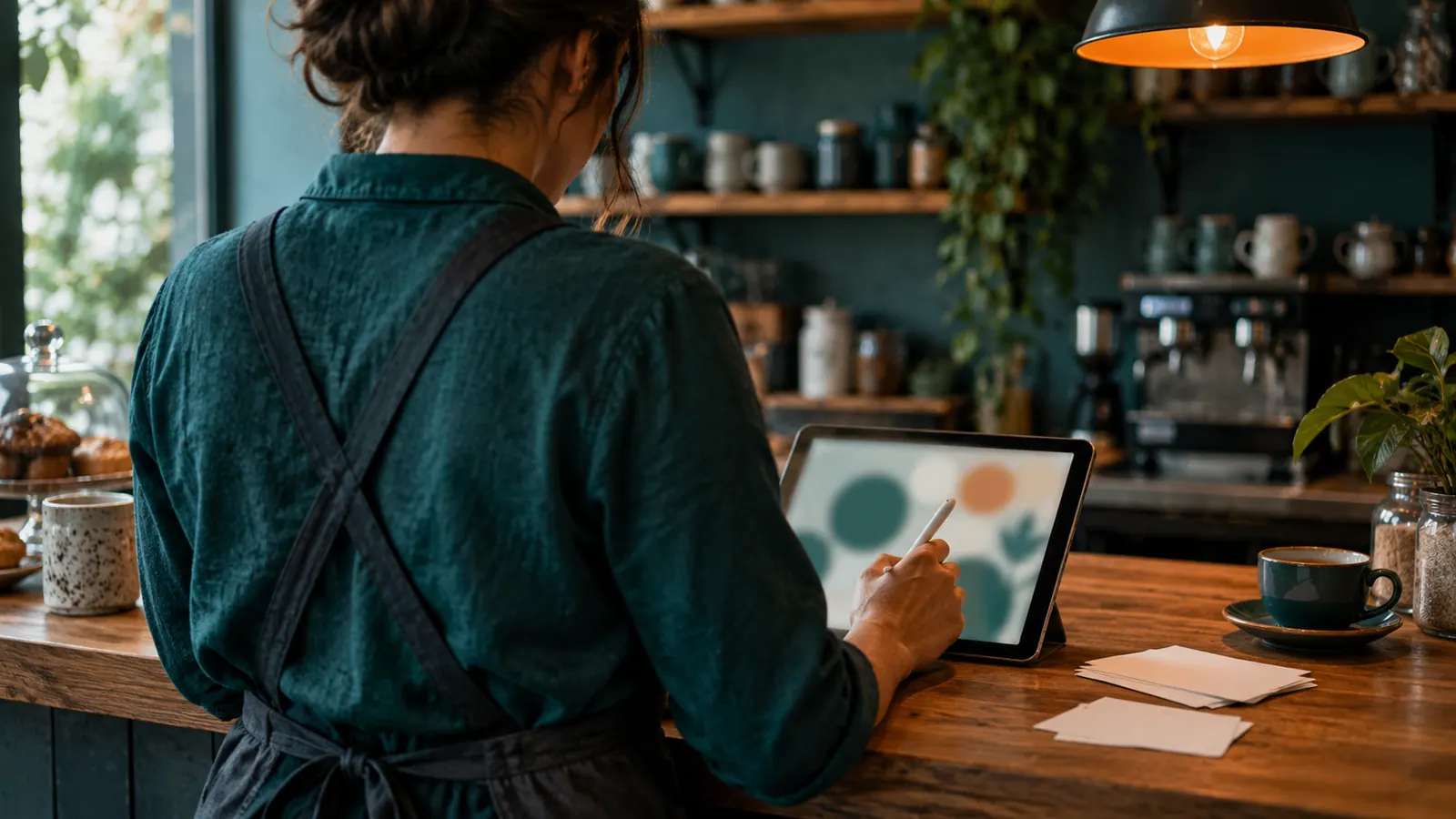
ChatGPT Images 2.5, a new version of the image generator built into ChatGPT, was released by OpenAI on 8 September 2026. It promises sharper detail, edits that change only what you ask for, and image generation latency, the wait for a result, up to 50 per cent lower than in the previous version. It also adds tools aimed squarely at everyday business jobs: a Sketch feature for drawing a rough layout, templates for formats such as flyers and product photos, and comments placed directly on an image. It is rolling out to every ChatGPT plan, so staff in many small businesses will have it whether or not anyone decided they should.
What happened
OpenAI set out the release in its post introducing ChatGPT Images 2.5. The company says people now create more than 3 billion images a week across ChatGPT and its image models for developers. The new model is described as producing more natural lighting and richer textures, keeping the subject of a reference photo recognisable, and following editing instructions more reliably over several rounds of changes.
Alongside the model, ChatGPT gains four features:
- Sketch. You draw directly in ChatGPT, for example the layout of a room or the outline of a garment, and the drawing guides the finished image. It is opened by typing "@Sketch".
- Templates. Starting points for common formats. OpenAI's examples include "Poster" and "Merch", and it mentions flyers and product photos.
- Comments on images. You place a comment directly on the image, which OpenAI says makes editing more focused.
- Prompt sharing. When you share an image you can include the prompt that produced it, so someone else can reuse the idea with their own photos.
For software developers, OpenAI released two versions through its API, the interface other programs use to call the model. GPT-Image-2.5 Flare is the default choice for most applications, and GPT-Image-2.5 Sunburst is a slower, more precise option for detailed creative work.
Key details
| Detail | What OpenAI says |
|---|---|
| Release date | 8 September 2026 |
| Who gets it | ChatGPT, ChatGPT Work and Codex users on all tiers, on desktop, mobile and web |
| Speed | Image generation latency reduced by up to 50 per cent compared with Images 2.0 |
| Editing | Better at changing only the requested element and keeping earlier edits consistent across a long conversation |
| New ChatGPT features | Sketch, templates, comments on images, prompt sharing |
| Developer models | GPT-Image-2.5 Flare (default, faster) and GPT-Image-2.5 Sunburst (more precise, longer generation times) |
| Labelling | C2PA metadata and an invisible watermark on generated images |
OpenAI's image generation guide for developers adds that both developer models can produce transparent backgrounds and several output sizes and quality levels, and that an organisation may need to complete a verification step before using them. The speed and quality claims are OpenAI's own. TechRepublic's report on the launch describes the same feature set and notes that a common frustration with AI image tools has been a small requested change altering the rest of the picture.
Why it matters
Editing, not generating, was the missing piece. Producing an attractive image from a sentence has been possible for some time. What made these tools awkward for real work was the second step: ask for a different background and the product changed too. OpenAI says Images 2.5 is better at editing only what was requested, and its examples for developers are business ones, such as updating a single product, background or piece of copy while keeping the composition and brand treatment. If that holds up in daily use, a person without design training can use the tool to finish a job.
The features are aimed at non-designers. A rough drawing, a template and a comment on the part you dislike are how people brief a designer. Building those into the chat means less depends on writing a clever prompt.
Labelling is becoming standard. OpenAI's system card for ChatGPT Images 2.5, a document describing the model's safety testing, says images carry C2PA metadata, an industry standard for recording where a piece of content came from, and an invisible watermark supplied through Google DeepMind's SynthID. In practice this means an image made in ChatGPT can often be identified as AI-generated by platforms and tools that check for those signals, even when it looks like a photograph.
It arrives everywhere at once. Because the release covers all tiers, the question for a business is not whether to adopt it. Staff who use ChatGPT already have it.
What this means for businesses
The obvious uses are the small marketing jobs that rarely justify a designer: a flyer for a weekend special at a cafe, a social media tile for a tradie's new service, a cleaner background on a product photo for an online shop, a banner for a stall. The new editing controls suit exactly this kind of work, where the layout is fine and one detail needs to change.
Three cautions apply.
First, generated images can be wrong in ways that matter. OpenAI says images with real-world information are more accurate than before, which is not the same as correct. Check every price, date, address and name, and do not let a generated picture stand in for a real one where customers will rely on it: a meal that is not on the menu, a finished job you did not do, a product variant you do not stock.
Second, an image in which a person can be identified is personal information. The Office of the Australian Information Commissioner says in its guidance on commercially available AI products that when AI is used to generate personal information, including images, that is a collection of personal information and must comply with Australian Privacy Principle 3. It also recommends, as a matter of good practice, that organisations do not enter personal information into publicly available generative AI tools. Uploading a photo of a customer or a staff member to restyle it falls squarely into that territory, so get consent and use a business account with settings you control.
Third, a chat window is not a brand system. Different staff will get different looks from the same request. If consistency matters, agree on colours, fonts and a few approved templates, and keep the final files somewhere the business owns.
A short checklist:
- Find out which ChatGPT accounts staff use for work images: business, personal or free.
- Name one person who approves any generated image before it is published.
- Do not upload photos of customers, staff or children without consent and an approved account.
- Check all text and facts inside an image by hand.
- Do not present a generated image as a photograph of your real product, premises or work.
- Save approved images and the prompts behind them in a shared folder.
Comingwave is a technology company that builds websites and custom software for small and medium businesses, including retail and e-commerce and hospitality businesses that publish new product and menu images every week. If you would like help setting up a dependable way to manage content for your site or online shop, request a free first consultation. We reply within one business day.
Key takeaways
- OpenAI released ChatGPT Images 2.5 on 8 September 2026 to all ChatGPT tiers.
- The main gains are more precise edits, consistency across multiple changes and faster generation.
- Sketch, templates and on-image comments make the tool usable by people with no design training.
- Generated images carry C2PA metadata and an invisible watermark.
- Businesses still need a human check on facts, consent for images of people and a rule against passing off generated images as real.
Frequently asked questions
What is ChatGPT Images 2.5?
It is the latest version of the image generation model inside ChatGPT, released by OpenAI on 8 September 2026. OpenAI says it produces sharper details, edits more precisely and generates images faster than Images 2.0.
How does Sketch in ChatGPT work?
Sketch lets you draw a rough picture directly in ChatGPT and use it as a visual guide. You add a description of the style and details you want, and ChatGPT turns the drawing into a finished image. OpenAI says it is opened by typing "@Sketch".
Is ChatGPT Images 2.5 available on the free plan?
OpenAI says Images 2.5 is rolling out to ChatGPT, ChatGPT Work and Codex users across all tiers on desktop, mobile and web. The announcement does not set out usage limits for each plan.
Can people tell that an image was made with ChatGPT?
Often, yes. OpenAI says generated images include C2PA metadata and an invisible watermark that help identify them as AI-generated. OpenAI also says there is no single solution to provenance, so these signals should not be treated as foolproof.
Can a business use ChatGPT images in its advertising?
OpenAI's own examples for the new models include campaign creative and product imagery, so marketing is an intended use. The business remains responsible for what an image shows. Check facts and text in the image, get consent before using anyone's likeness, and do not present a generated image as a real photo of your product or work.